Research and reports
Ask for a competitor review, a market summary or a digest of documents. The team gathers, cross-checks and writes it up; you download it as PDF, Word or Markdown.
Learn more →Bring specialists together, choose their models and stay in control from your computer or phone.
Joining the list does not create an account or involve any payment.
Prepared by a team of 3 bees
| Company | Pricing | Strength | Open question |
|---|---|---|---|
| Company A | Tiered plans | Fast setup | Support hours |
| Company B | Quote only | Large catalog | Real prices |
| Company C | Free tier | Integrations | Data limits |
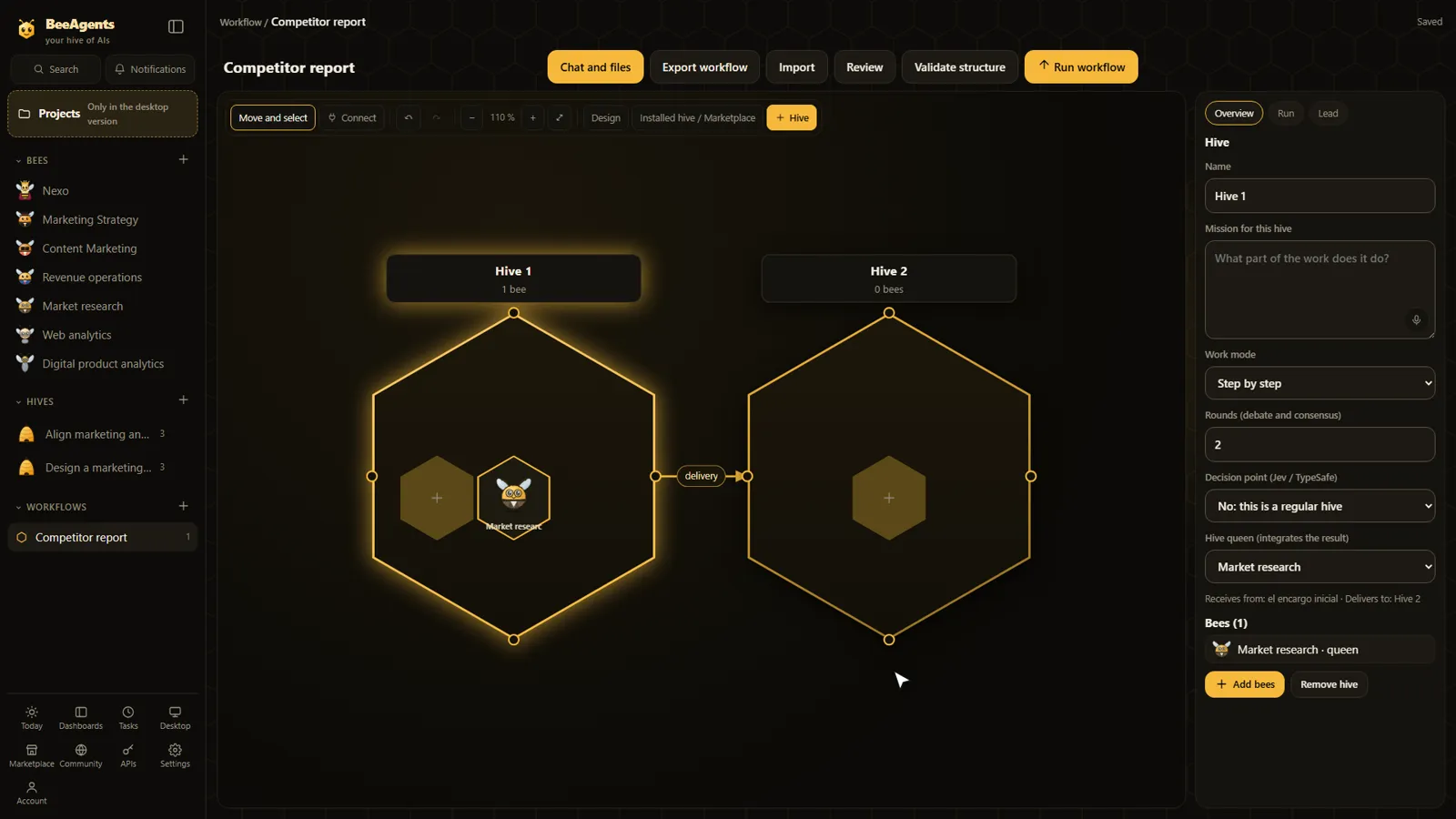
A typical flow, drawn as an illustration. It is not a live run.
“Compare three competitors and prepare a report.”
A team of specialists gathers sources, each covering a part of the question.
A bee can contrast the information and flag what it could not confirm.
The report is prepared as PDF, Word or Markdown, ready to download. You can ask questions about it in the same conversation.
If a channel such as Telegram or WhatsApp is connected, you get a notice on your phone.
Ask for a competitor review, a market summary or a digest of documents. The team gathers, cross-checks and writes it up; you download it as PDF, Word or Markdown.
Learn more →A writer, a proofreader and a coordinator turn a brief into drafts for your channels. You review them before anything goes out.
Learn more →A hive can run a task once or on a schedule and keep a dashboard in your Today screen up to date. Dashboards show the internal metrics and the datasets you provide or connect.
Learn more →Four ideas are enough to use BeeAgents.
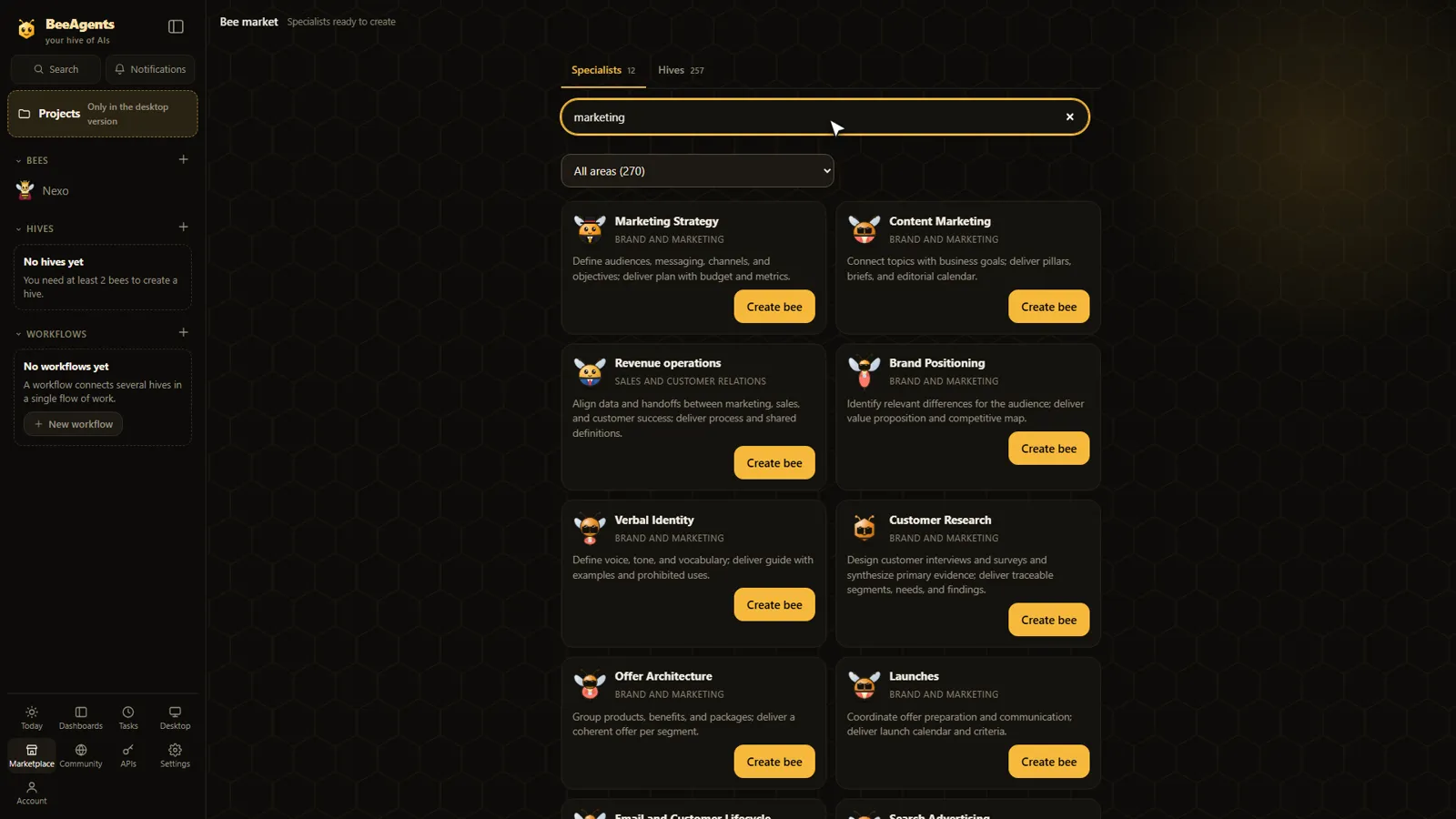
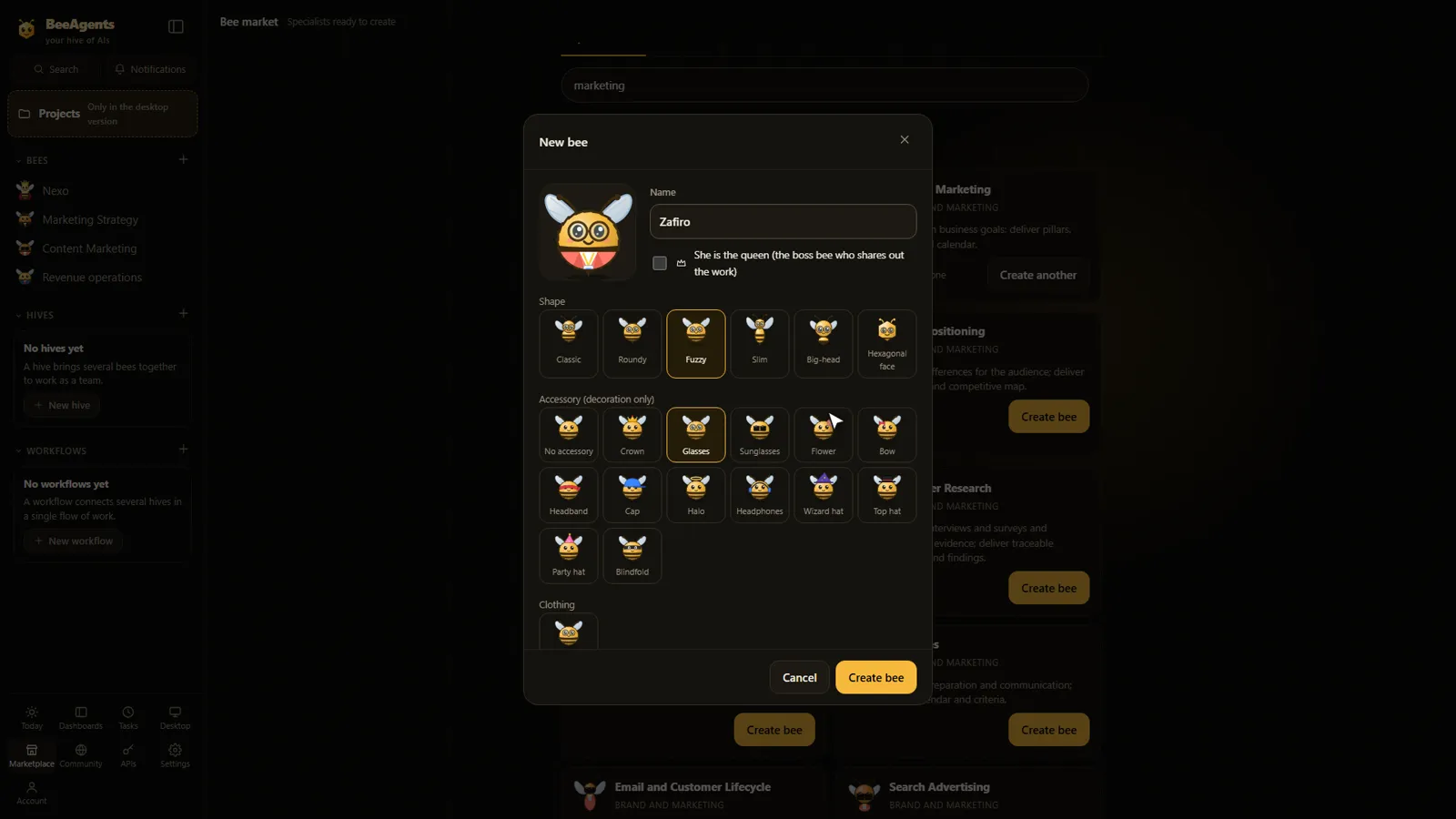
Tell a bee “I prefer five-point reports” once and it keeps that for later jobs. You can review and delete what it remembers. These are notes and preferences, not model training.
Documents, images and reports with downloads. Once you connect Google Drive, a copy can go there too.
Dictate instructions from your phone. Processing can run locally or through an API, depending on your setup.
Write while a team is working: queue the message or send it now so the team takes it into account.
Telegram, WhatsApp, Discord, Gmail and Calendar can be connected for instructions and notices. Each one needs its own setup; WhatsApp requires a Meta account.
Import bees, skills, MCP servers and plugins from the community. Each one is reviewed first; nothing is trusted automatically.
Your data is processed in the environment you configure. The content a task needs is shared with the AI providers and services you connect, such as Google Drive, Gmail or WhatsApp.
Pick a provider and model for each bee, including local models. Tools and files can work on your PC while the model runs at the provider you pick; a compatible local model keeps inference on your machine. A chat subscription is not the same as an API: providers and credits may need a separate contract.
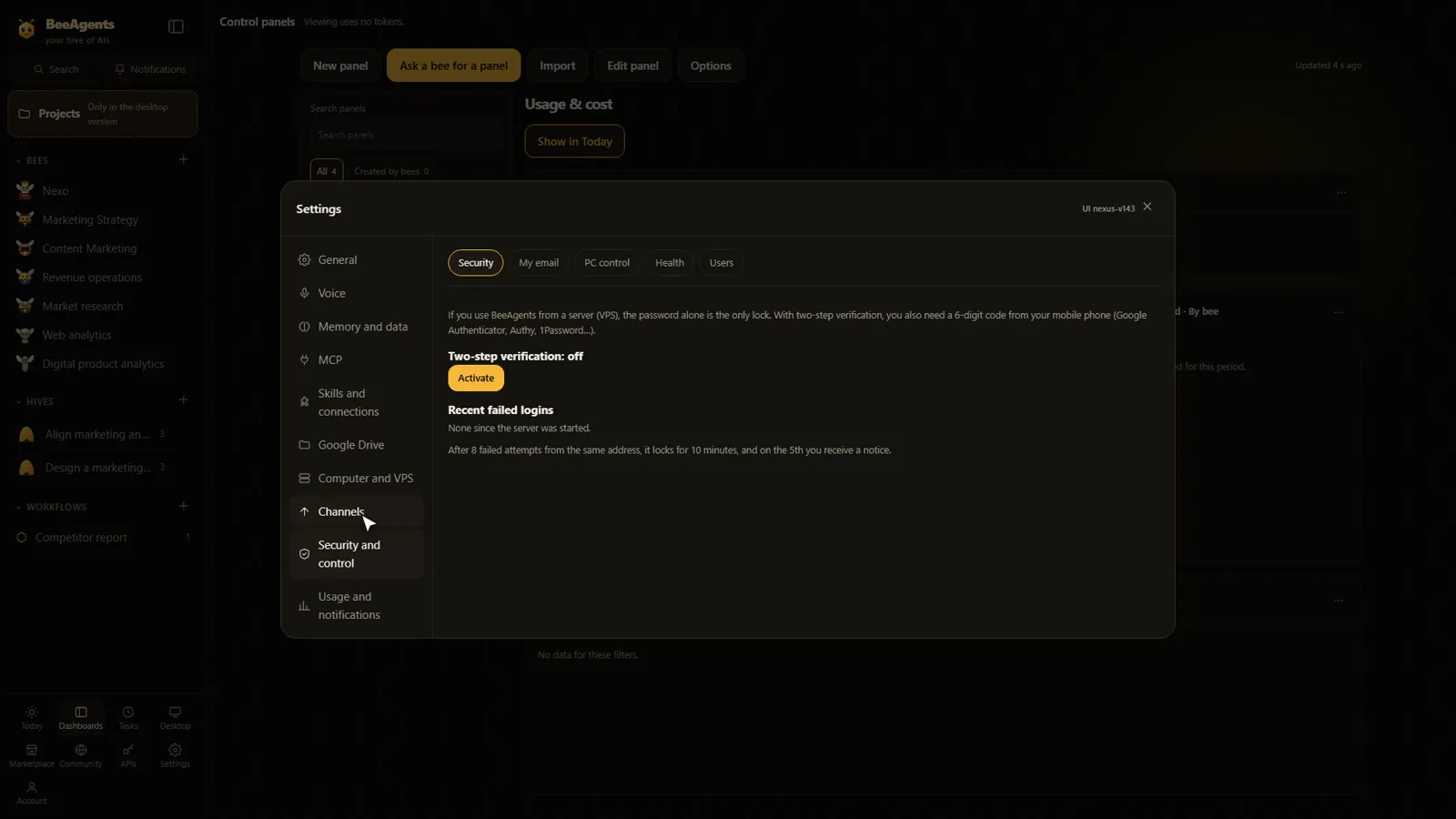
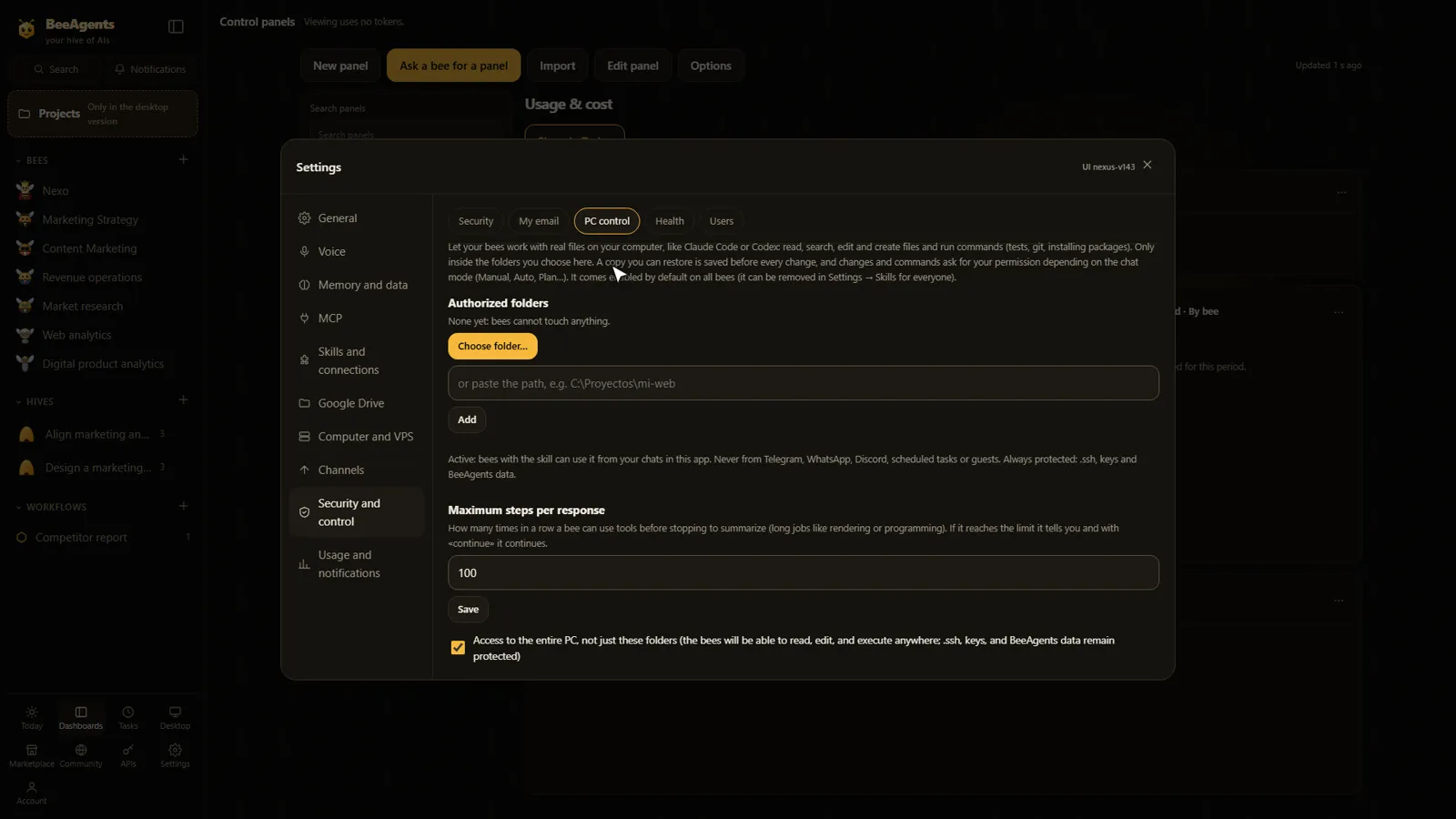
Authorized folders, tool groups per bee, approvals for actions with side effects, Plan mode and spending alerts.
Authorized control of your own PC is one thing. The isolated Linux computer for the bees (the Device, which needs Docker) is another.
BeeAgents has not had an independent security audit. More about security →
BeeAgents is in active development. It has been tested with simulated models and a private installation; tests with more real accounts and providers are still under way.
No launch date or prices have been decided.
A running log of confirmed changes.
Leave your email to be told when BeeAgents launches. It does not create an account.
New pages for Projects (a folder of your PC with its own team) and for Today and dashboards.
Each workflow run keeps its own conversation; queued messages can be sent immediately.
First private deployment with HTTPS and the Jev (TypeSafe) decision connector.
No. It is used with menus, chat and voice.
Any provider with a compatible API, local models such as Ollama and your own servers. Each bee can use a different one. A chat subscription is not an API: providers, models and credits may need a separate contract.
Your data is processed in the environment you configure: your PC, your server or a hosted space. Conversations, files and memory are stored there. The content a task needs is shared with the AI providers and the services you connect. See the Privacy policy.
Only if you allow it. You can require approval before each action with side effects, limit folders and tools per bee, or use Plan mode. Scheduled tasks deny actions that ask for permission by default.
Showing saved data in a dashboard does not call an AI by itself. Automations that collect or analyze that data can use tokens or the resources of the services you connect.
Prices and plans have not been decided. You pay your AI providers directly, under their own terms.
A Windows desktop app and an installable web and mobile version are in private tests. Projects need the desktop app. Linux and macOS are not ready.
No. BeeAgents does not train model weights. Memory is notes and preferences stored in your environment, and you can review and delete them.
A decision service from TypeSafe that BeeAgents integrates: it chooses between options, scores, or answers yes or no with probabilities, using very few tokens. You need your own key.
 Your hive’s next chapter
Be among the first to hear about the launch. Leave your email and we’ll let you know when BeeAgents is available.